How to Organize Duplicate Stickers for the World Cup 2026 Album
A simple system to organize your duplicate stickers by team, build a trade stack, and never miss a good swap again.
Updated June 7, 2026
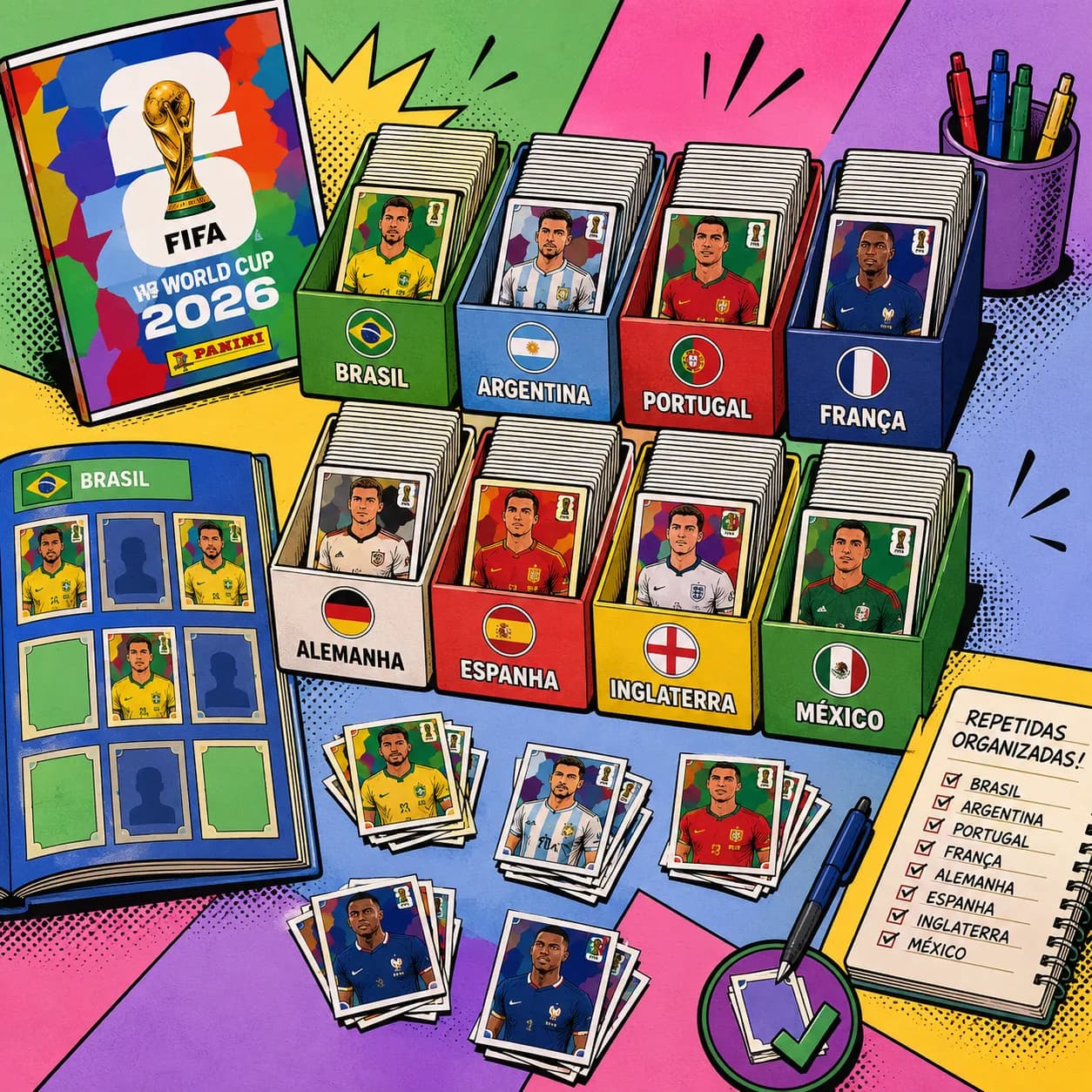
Why organizing your doubles changes everything
Knowing how to organize duplicate stickers is what separates collectors who finish the album fast from the ones staring at half-empty pages for months. Your doubles aren't clutter: every extra copy is a trading chip waiting for someone else's missing sticker.
The trouble is that without a system, your duplicates pile up in a shapeless heap inside an envelope. You don't know how many of each you've got, you forget what you still need, and you end up taking lopsided trades. A little structure turns that same heap into your biggest asset for finishing the album.
Step 1: sort your duplicates by team
Everything starts with grouping by team. When stickers are mixed together, you waste time digging and you can't spot patterns. Sorted by country, it's obvious where you've got a surplus and where you've got a hole.
Start by splitting all your duplicates into piles by team, in the same order as the album. Brazil with Brazil, France with France, and so on. Keep crests, logos, and special stickers in their own piles too.
- Use the album's page order as your guide instead of inventing a new one
- Keep badges, legends, and specials separate from player stickers
- Put host cities and extra stickers in a pile of their own
Step 2: count the copies of each number
Once you've sorted by team, count how many copies you have of each number. This simple step kills the most common collector mistake: trading a sticker because you think you have three when you only have two.
An easy way is to stack identical ones together and jot down the count. Anything with two or more is free to trade. Anything with just one is your album copy and never goes into a swap.
Step 3: build a real trade stack
A trade stack is the set of stickers you can give away guilt-free, because yours is already safe in the album. Keep that stack physically separate from the ones you still need to stick down.
The golden rule: never mix the copy that goes in the album with the ones meant for trading. That way you swap fast, with no fear of handing over your only one. An organized collector closes a deal in seconds because they know exactly what they've got to spare.
- Store your trade stack in a separate envelope, bag, or pocket per team
- Label each group with the team name so you can find it instantly
- Review the stack every time you stick a new sticker in the album
Step 4: keep a list of what you're missing
A perfect trade stack is useless if you forget what you still need. A missing list (your "wanted" list) is the other half of getting organized.
Write down the numbers you're missing by team and carry it with you. When you meet another collector, just cross your wanted list against their stack. Without a list, you risk turning down the exact sticker you've been chasing.
The hands-on method: envelopes and binders by team
If you prefer doing it all on paper, you can build a cheap, very effective system. The trick is giving every team a fixed home, from the trade stack to the wanted list.
- Small envelopes, one per team, labeled with the country name and count
- A binder with plastic sleeves, one page per team, splitting trades from wants
- Rubber bands or clips so identical piles don't shuffle back together
- A small notebook or notes app with an always-updated wanted list
How Onzi organizes your duplicates automatically
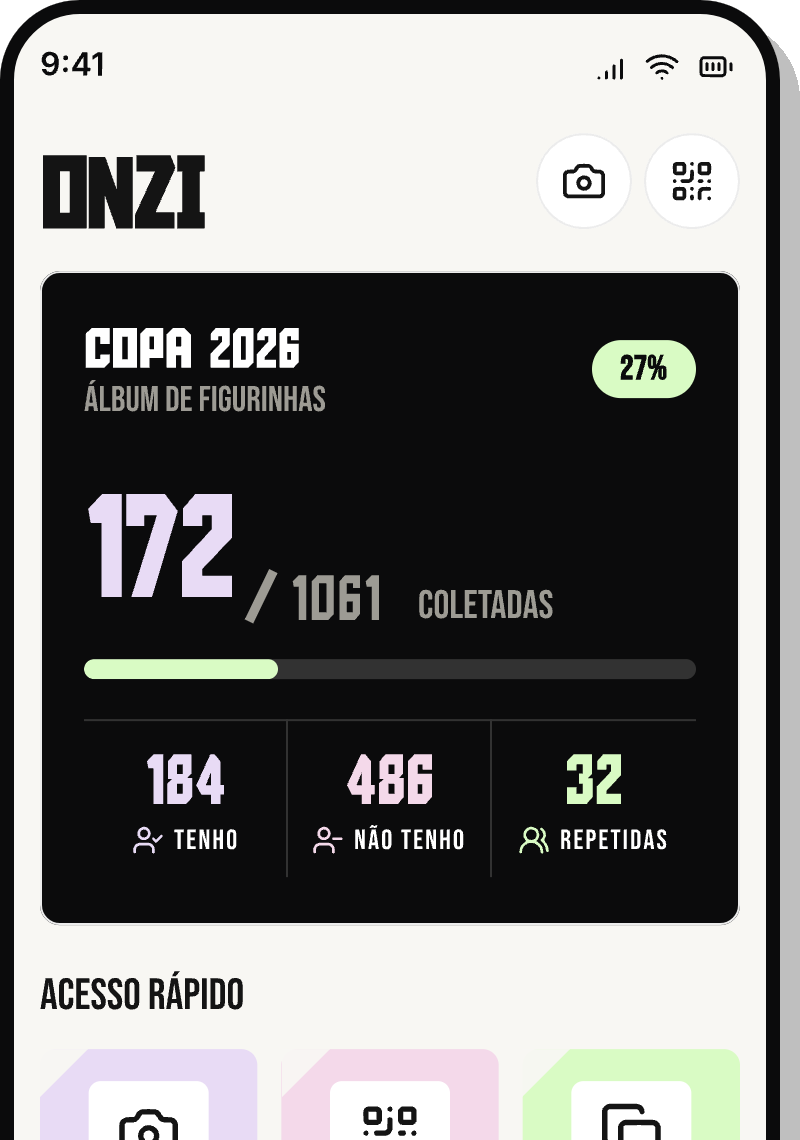
If you'd rather not count paper piles, Onzi does the work for you. As you scan each sticker with the camera, the app reads the team code and number on its own and instantly knows whether it's new or a double — no typing required.
Your duplicates show up grouped by team, with the copy count for each number right in front of you. You can see your whole trade stack without opening a single envelope, and your wanted list builds itself as you add stickers. All of it stays on your device alone — no account and no cloud.
Trading is where it all clicks. You open a QR Code trade session with another collector and Onzi cross-references both collections on the spot. Every trade is one-for-one: it shows what you have spare and they need, and what they have spare and you need, already balanced on both sides. Your doubles turn into sure-thing swaps, with no manual checking and 100% offline. Onzi is a free fan-made app with no affiliation with Panini or FIFA.
Frequently asked questions
How many duplicate stickers do I need before I can start trading?
There's no minimum. You just need at least one spare copy of any sticker that's already in your album. The more variety of teams in your trade stack, the easier it is to land good swaps.
Should I keep doubles from teams I've already completed?
Yes. Even with a team finished in your album, the extra copies still work as trading currency to get what you're missing from other countries. Just never trade away the single copy that's stuck down.
Is it better to trade sticker by sticker or in batches?
Both work. One-for-one trades are fairer and faster when each person needs something specific. Batches help when one person has a big surplus and the other a big shortage. Either way, always cross-check your wanted list first.
Does Onzi count my duplicates for me?
Yes. Every time you scan a sticker you already own, Onzi adds a copy and shows the count grouped by team, making it clear what's trade stock and what you still need in the album. Everything stays on your phone only, so keep the app installed to avoid losing the count.