HELP ARTICLE
Onzi: no ads, no tracking, no account for World Cup 2026
Onzi shows no ads and tracks nothing: all of your World Cup 2026 album data stays on your phone, and only on your phone.
4 min read · Updated June 7, 2026
No ads, no tracking: what that actually means
Onzi has one job: help you fill your World Cup 2026 album. No pop-ups, no banners flashing between your stickers, and nothing you do gets turned into bait to follow you around the web.
Put simply: we don't serve ads, we don't use third-party trackers, and we don't build a profile of you to sell. The app is for collecting — no strings attached.
Where your data lives
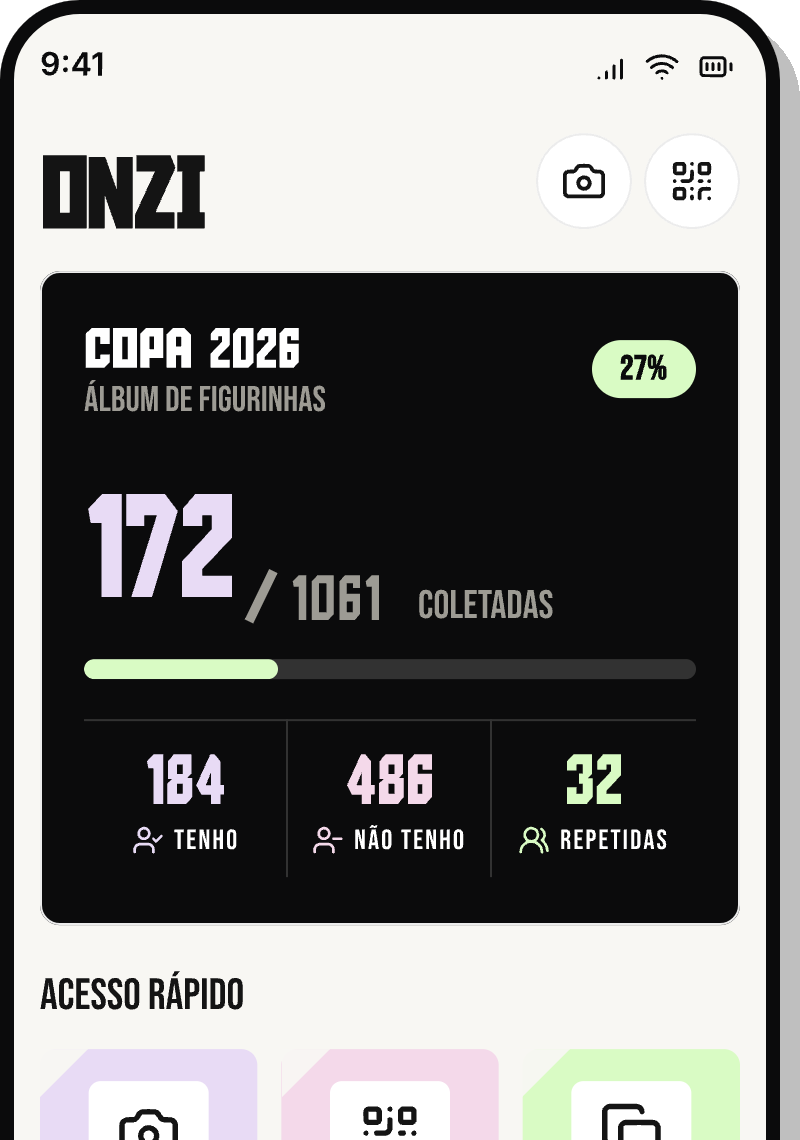
Everything you save in Onzi stays on your own phone. There's no server of ours catching your collection: the stickers you've checked off, your duplicates, and your album progress all live on the device.
That's what "truly offline" means here. You don't need an internet connection to use the app, and your data doesn't travel anywhere when you open it, scan, or organize.
- Your collection and your duplicates are saved locally, on your phone.
- Album progress and the team ranking are calculated right on the device.
- None of it is uploaded to a server or visible to anyone else.
What Onzi does not collect
To leave zero doubt, here's what the app never asks for and never stores on any server:
- No sign-up: you don't create an account, and there's no email or password.
- We don't ask for your name, phone number, or any personal details to use the app.
- No advertising trackers and no identifiers that follow you across apps.
- We don't sell or share your collection with anyone.
What about the camera and trade QR codes?
The camera kicks in only while you're scanning stickers: it reads the team code and number right in front of you so you can add one with a single tap. Nothing is recorded or sent during that process.
For QR Code trades, the scan happens between two phones, in person. The app cross-references both collections to show the perfect matches on the spot — without going through a server and without keeping anything about the friend you traded with.
Starting over or switching phones
Because everything lives on the device, you stay in full control. Want to start your collection from scratch? Just clear the app's data through your phone.
One heads-up, though: since your collection is tied to this device, Onzi can't currently move it to another phone on its own — there's no cloud backup and no automatic transfer between devices. So leave the app installed and avoid clearing its data, so you don't lose what you've built.
If you do need to reinstall, there's no login or password to worry about: since there's no account, just download Onzi again. Just remember that reinstalling starts your collection back at zero.